Get low fee crypto remittance right
Before you move money, you need the right tools. Stablecoin remittances save LATAM senders money, but only if you avoid hidden costs. A $300 transfer can cost $20 in traditional fees. Stablecoin rails cut this to under 1% in the US–Mexico corridor. You keep more of what you send.
Start by choosing a stablecoin. USDC and USDT are the standard. Check which network the receiver uses. Ethereum mainnet fees are high. Polygon or Solana are cheaper. Send on the low-fee network to save money.
Next, pick a wallet. Use one that supports your chosen network. MetaMask works for Polygon. Trust Wallet works for USDT on BSC. Make sure you have a small amount of native token for gas. You cannot send USDC without paying the network fee.
Finally, verify the receiver’s address. Crypto transactions are irreversible. One wrong character and the money is gone. Double-check the first and last four characters. Send a small test amount first. This confirms the address and network are correct.
How to send low-fee stablecoin remittances from LATAM
Sending USDC or USDT across borders bypasses the 5–7% fees typical of traditional money transfer operators. Mizuho research shows stablecoin rails in the US–Mexico corridor now cost under 1%, a massive shift for families relying on remittances. This guide walks you through the exact steps to execute a transfer safely and cheaply.
USDC and USDT are the primary vehicles for cross-border payments in Latin America. USDC is often preferred for its regulatory clarity and transparency, while USDT dominates in volume on certain chains. Check which token your recipient’s wallet supports before initiating the transfer. Liquidity matters: ensure the destination exchange or wallet can easily convert the token to local currency without slippage.
Not all blockchains are equal. Ethereum Mainnet fees can sometimes exceed the transfer amount for small remittances. Opt for Layer 2 networks like Polygon, Arbitrum, or Base, where fees are fractions of a cent. For USDT, TRON (TRC-20) remains a popular choice due to its widespread exchange support, though fees are slightly higher than Layer 2s. Always verify the network matches between sender and receiver to avoid permanent loss of funds.
Use a regulated exchange or a dedicated remittance app that supports stablecoin withdrawals. Examples include Binance, Kraken, or regional players like Bitso. Initiate the withdrawal to the recipient’s wallet address. Double-check the network selection and the address. For transfers under $300, fees on Layer 2 networks are often less than $0.01, compared to $10–$20 via traditional services.
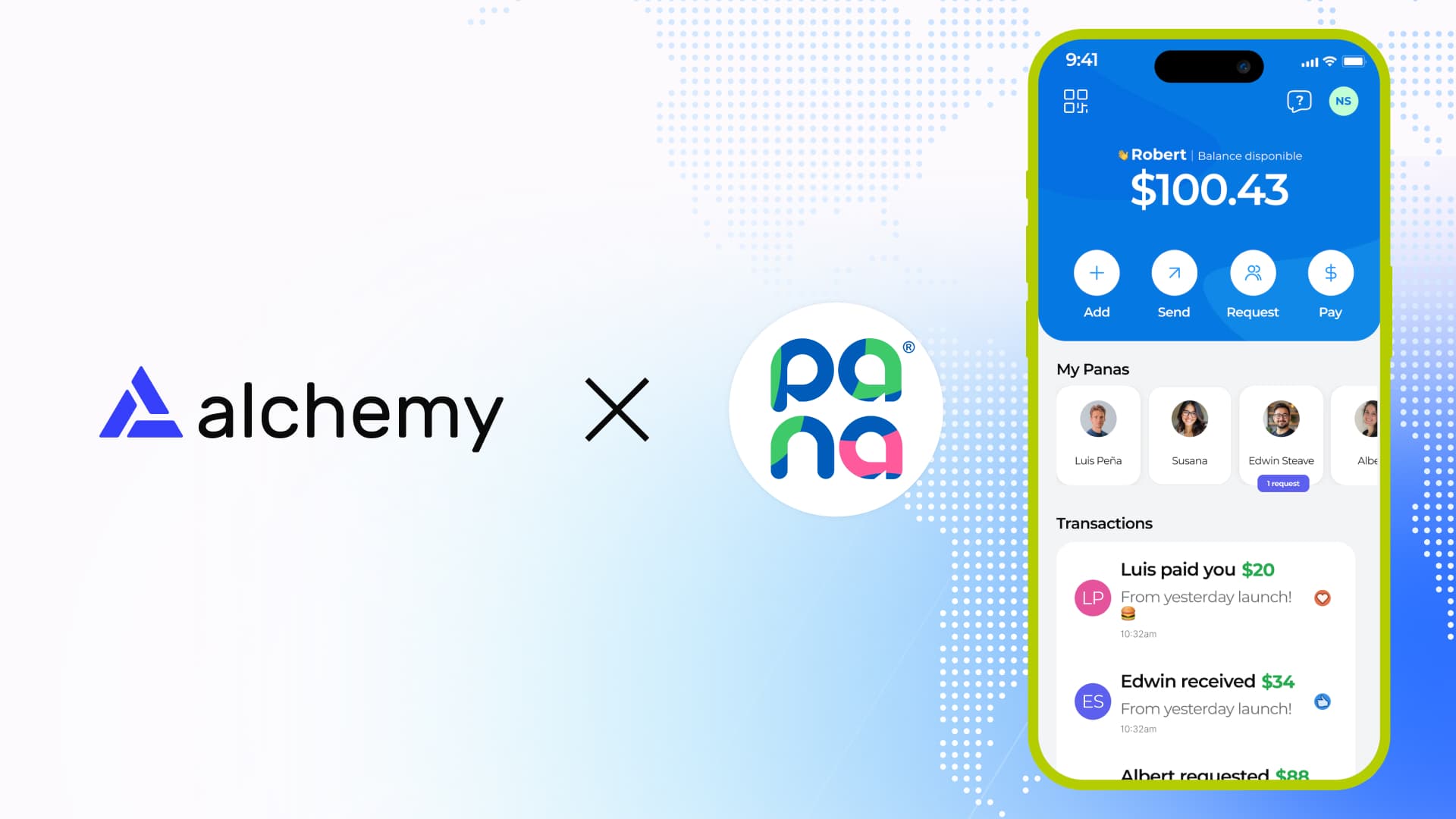
Notify the recipient to confirm they have received the tokens. If they are using an exchange, the funds should appear in their spot wallet immediately. If they need local currency, they can sell the stablecoin for fiat via P2P markets or direct bank transfer. Some platforms offer instant settlement, while others may take minutes depending on network congestion. Keep a record of the transaction hash for dispute resolution if needed.
Fix common mistakes
The to Lowest-Fee Stablecoin Remittances troubleshooting should start with a clear boundary: what is actually broken, and what still works normally. Check the display, network connection, paired devices, app access, and recent updates before assuming the whole system needs a reset. A small connection failure can make the main screen feel unreliable even when the core system is fine. Work from low-risk checks to deeper resets. Confirm power state, safe parking, account access, and signal first. Then restart the interface, wait for it to reload completely, and test the original symptom. Avoid changing multiple settings at once because that makes it harder to know which step actually fixed the problem. If the issue affects safety information, repeats after every restart, or appears with warning messages, treat the reset as a temporary diagnostic step rather than the final fix. Document the symptom and move to official support instead of stacking more DIY attempts.
The simplest way to use this section is to keep the setup small, verify each change, and record the stable configuration before adding optional accessories.
No comments yet. Be the first to share your thoughts!